Updated: | Originally published: | By Daniel Twigg
The Model Context Protocol (MCP) is rapidly becoming the standard for connecting AI models to external data sources and tools. When you make your API MCP accessible, you enable AI agents and LLMs to interact with your services seamlessly, providing users with a more integrated and powerful experience.
In this guide, we’ll walk through the essential steps to transform your standard API into an MCP-compliant server, specifically tailored for the needs of modern B2B SaaS applications.
What is the Model Context Protocol (MCP)?
MCP is an open standard that allows developers to build “servers” that expose data and functionality to AI “clients” (like Claude Desktop or other AI agents). Instead of writing custom integration code for every new AI tool, you implement MCP once, and any MCP-compatible client can immediately use your API.
Why Make Your API MCP Accessible?
- Instant AI Integration: Your API becomes immediately usable by any AI agent that supports MCP.
- Standardized Tooling: You provide a clear schema for tools, resources, and prompts that AI models can understand.
- Enhanced User Experience: Users can interact with your API directly through their favorite AI interfaces.
- Future-Proofing: As the AI ecosystem grows, MCP is likely to remain a core protocol for agentic workflows.
Steps for Building an MCP Server
Step 1: Choose Your Implementation Strategy
There are two primary ways to make your API MCP accessible:
A. The Wrapper Approach (Recommended for Existing APIs)
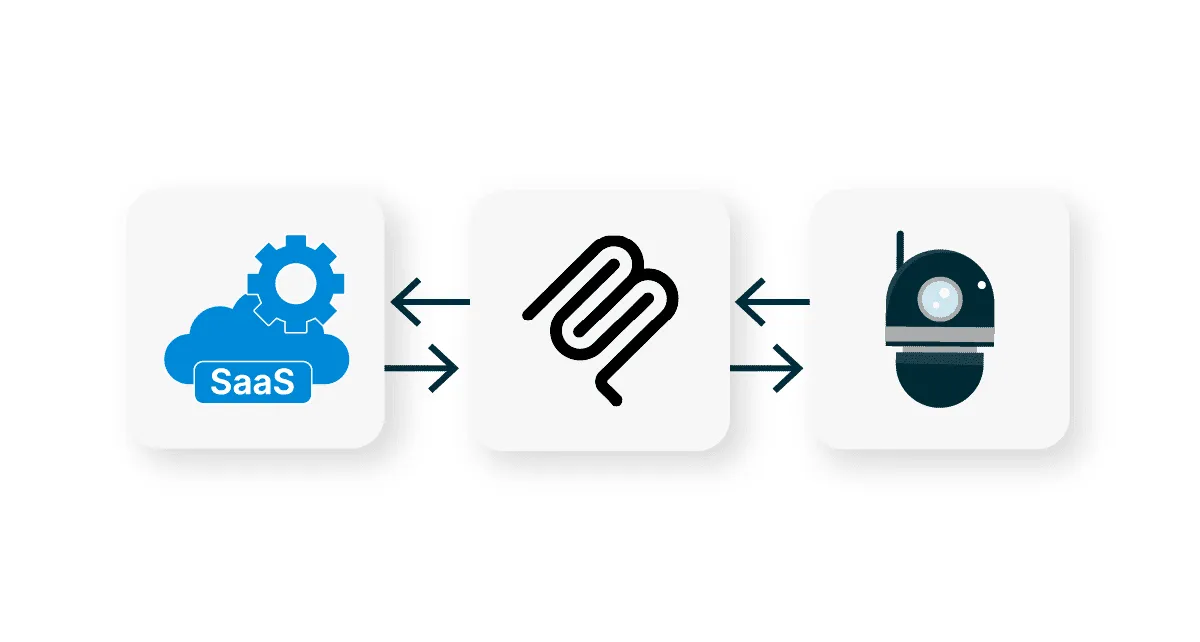
Build a small MCP Server that acts as a bridge. This server speaks MCP to the AI client and translates those requests into standard REST or GraphQL calls to your existing API.
B. Native MCP Support
Integrate MCP directly into your API’s codebase. This is ideal for new projects where you want AI accessibility to be a first-class citizen.
Step 2: Set Up Your MCP Server
To get started, you’ll need an MCP SDK. The most popular is the TypeScript/Node.js SDK or the Python SDK provided by Anthropic.
Example (TypeScript):
import { Server } from "@modelcontextprotocol/sdk/server/index.js";
import { StdioServerTransport } from "@modelcontextprotocol/sdk/server/stdio.js";
import {
  CallToolRequestSchema,
  ListToolsRequestSchema,
} from "@modelcontextprotocol/sdk/types.js";

const server = new Server(
  {
    name: "my-api-mcp-server",
    version: "1.0.0",
  },
  {
    capabilities: {
      tools: {},
    },
  }
);
Step 3: Define Your Tools
“Tools” are the primary way AI agents interact with your API. Each tool needs a name, a description, and an input schema (usually JSON Schema).
Pro Tip: The description is the most important part. It tells the AI when and how to use the tool.
server.setRequestHandler(ListToolsRequestSchema, async () => {
  return {
    tools: [
      {
        name: "get_user_data",
        description: "Retrieves user profile information from the API",
        inputSchema: {
          type: "object",
          properties: {
            userId: { type: "string" },
          },
          required: ["userId"],
        },
      },
    ],
  };
});
Step 4: Implement Tool Logic
When the AI client calls a tool, your server needs to execute the logic—usually by calling your underlying API.
server.setRequestHandler(CallToolRequestSchema, async (request) => {
  if (request.params.name === "get_user_data") {
    const { userId } = request.params.arguments;
    // Call your actual API here
    const response = await fetch(`https://api.example.com/users/${userId}`);
    const data = await response.json();

    return {
      content: [{ type: "text", text: JSON.stringify(data) }],
    };
  }
  throw new Error("Tool not found");
});
Step 5: Expose Resources (Optional)
If your API provides raw data (like logs, files, or database records) that the AI should “read” rather than “act upon,” use Resources. Resources are identified by URIs (e.g., myapi://users/123/logs).
Step 6: Security and Authentication
When exposing your API via MCP, security is paramount:
- API Keys: Ensure your MCP server securely handles API keys for your underlying service.
- Environment Variables: Never hardcode credentials. Use
.envfiles or secret managers. - User Consent: If your MCP server is running locally (like on a user’s desktop), ensure it only accesses the data it needs.
Step 7: Testing Your MCP Server
The easiest way to test your implementation is using the MCP Inspector. It allows you to manually trigger tools and see the responses without needing a full AI client.
npx @modelcontextprotocol/inspector <command-to-run-your-server>Once it works in the inspector, try connecting it to Claude Desktop by adding your server configuration to the claude_desktop_config.json file.
Risks of Hosting Your Own MCP Server
While building a custom MCP server is a great way to start, scaling it for production—especially in a B2B SaaS environment—introduces significant challenges:
- Governance and Security: How do you ensure that an AI agent doesn’t perform unauthorized actions? Managing permissions and ensuring the AI stays within its “guardrails” requires robust governance.
- Authentication Complexity: Handling authentication for a single user is simple, but managing OAuth flows, token refreshes, and API keys for thousands of end users is a major engineering undertaking.
- Multi-Tenancy: If you are providing MCP access to your customers, you need a multi-tenanted architecture. Each customer must have an isolated environment to prevent data leakage and ensure performance.
- Maintenance Overhead: The Model Context Protocol is evolving. Keeping your custom implementation up to date with the latest SDKs and security patches can drain your development resources.
The Impact of API Evolution on MCP Servers
In the fast-paced world of B2B SaaS, APIs are rarely static. They evolve with new features, schema changes, and version updates. When you host your own MCP server, this evolution creates a continuous development burden:
- Schema Synchronization: Every time you add a new endpoint or change a field in your core API, you must manually update the corresponding MCP tool definitions and JSON schemas. Failure to do so leads to “hallucinations” or tool-call failures when the AI tries to use outdated information.
- Prompt Engineering Maintenance: As your API’s functionality changes, the natural language descriptions of your tools must be refined. AI models rely heavily on these descriptions to understand context; if they fall out of sync with the actual API behavior, the reliability of your AI integration drops.
- Version Management: Supporting multiple versions of your API for different customers becomes exponentially more complex when you also have to maintain multiple versions of an MCP server.
- Resource Drain: What starts as a “small wrapper” quickly turns into a permanent maintenance project. Your engineering team must be diverted from core product development to handle the plumbing of keeping the MCP interface alive and accurate.
For many teams, the ongoing resource cost of keeping an MCP server in sync with a rapidly evolving API is the hidden “tax” of a DIY approach.
Adding MCP Servers in Minutes with MCP PaaS
For SaaS companies looking to provide AI-ready APIs to their customers without the infrastructure headache, Cyclr’s MCP PaaS (Platform as a Service) offers a turnkey solution.
Cyclr’s MCP PaaS allows you to deploy and manage MCP servers at scale, specifically designed for the needs of AI in B2B SaaS.
Discover Cyclr’s MCP PaaS
The Agentic framework is the new standard, discover how to move beyond custom API wrappers and establish your SaaS as an AI-Ready Platform.
Why Wait? Accelerate your AI Roadmap in Days, not Quarters.
Key Advantages:
- Automated Authentication: Cyclr handles the heavy lifting of user authentication (OAuth, API keys) across hundreds of different applications.
- Built-in Multi-Tenancy: Easily provide unique, isolated MCP servers for every one of your end users.
- Comprehensive Audit Logging: Gain full visibility into how AI agents are interacting with your API, providing the transparency your enterprise customers demand.
- Embeddable Experience: You can embed the MCP setup process directly into your own application, allowing your users to connect their AI tools (like Claude or ChatGPT) in just a few clicks.
- Rapid Deployment: Go from a standard API to a fully managed, scalable MCP offering in minutes rather than months.
By leveraging an MCP PaaS, you can focus on building your core product while ensuring your API is ready for the agentic era.
Conclusion
Making your API MCP accessible is a powerful way to join the burgeoning AI agent ecosystem. By following these steps, defining clear tools, providing detailed descriptions, and ensuring robust security, you can turn your API into a valuable resource for AI models everywhere.
Ready to start building? Check out the official MCP documentation for more advanced patterns and SDK details.


