CLI Integration Delivery
Manage Integration Suites at Scale with AI-Assisted CLI
Enable Your Users to Access Integrations, Data and AI Tools Through Your Platform
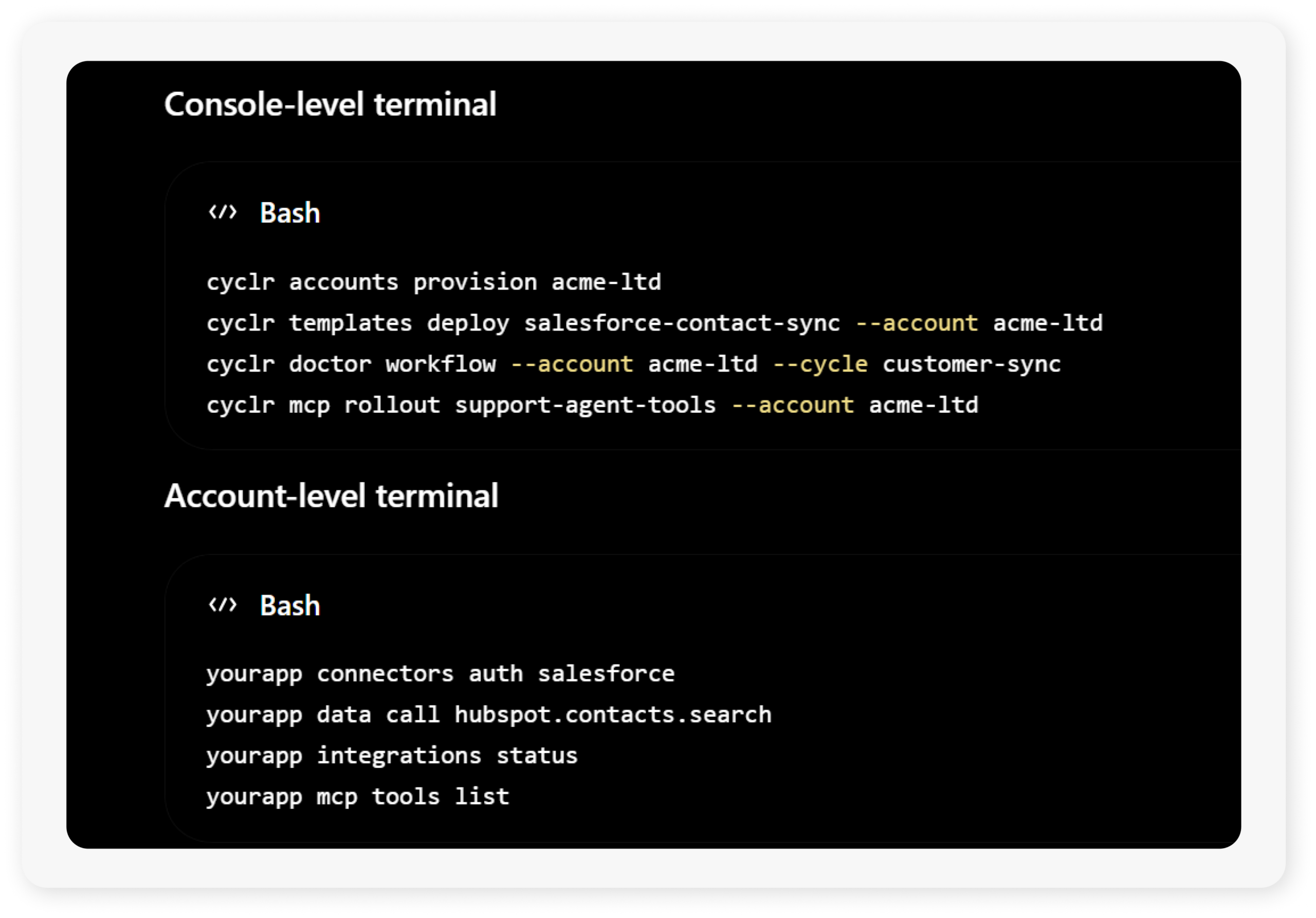
Cyclr’s CLI delivery gives your team a programmable way to manage integrations, workflows, connectors and customer Accounts at scale. Use command-line workflows and LLM-assisted operations to deploy Templates, diagnose workflow errors, check authentication issues, audit usage and manage MCP-enabled capabilities across your integration estate.
Once configured, CLI access can also be exposed at the Account level, giving your technical users a secure way to interact with the integrations and connected systems available inside your SaaS platform. Let them authenticate connectors, call approved connector methods, trigger workflows, inspect integration status and access AI-ready tools — all within the boundaries you define.
Enable Technical Users to Use AI Functionality Through Your Platform
CLI delivery can also become a customer-facing feature inside your SaaS product.
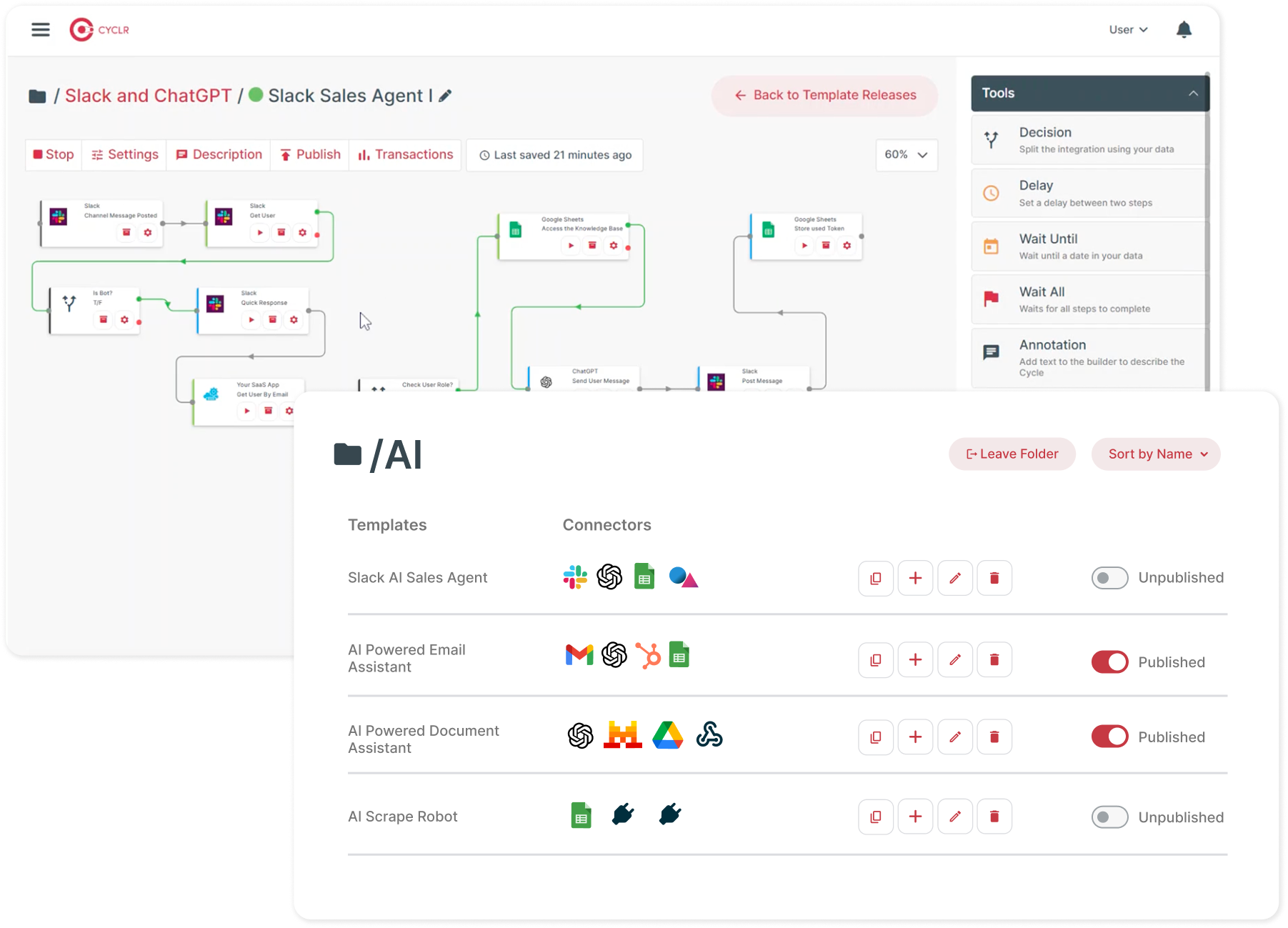
Your technical users could make CLI-based calls against any approved method in any connector they have authenticated or set up inside their Account. For example, they could search CRM contacts, retrieve order data, trigger a workflow, inspect available integration tools, or call an approved Data on Demand action directly from your platform.
This creates a powerful headless integration experience for developers, RevOps teams, IT admins and enterprise customers who want more than a standard embedded UI.
Instead of exposing the Cyclr Console, you expose controlled Account-level capabilities through your own product experience.
Embedded MCP
Manage User Integrations in Their Own Secure Accounts
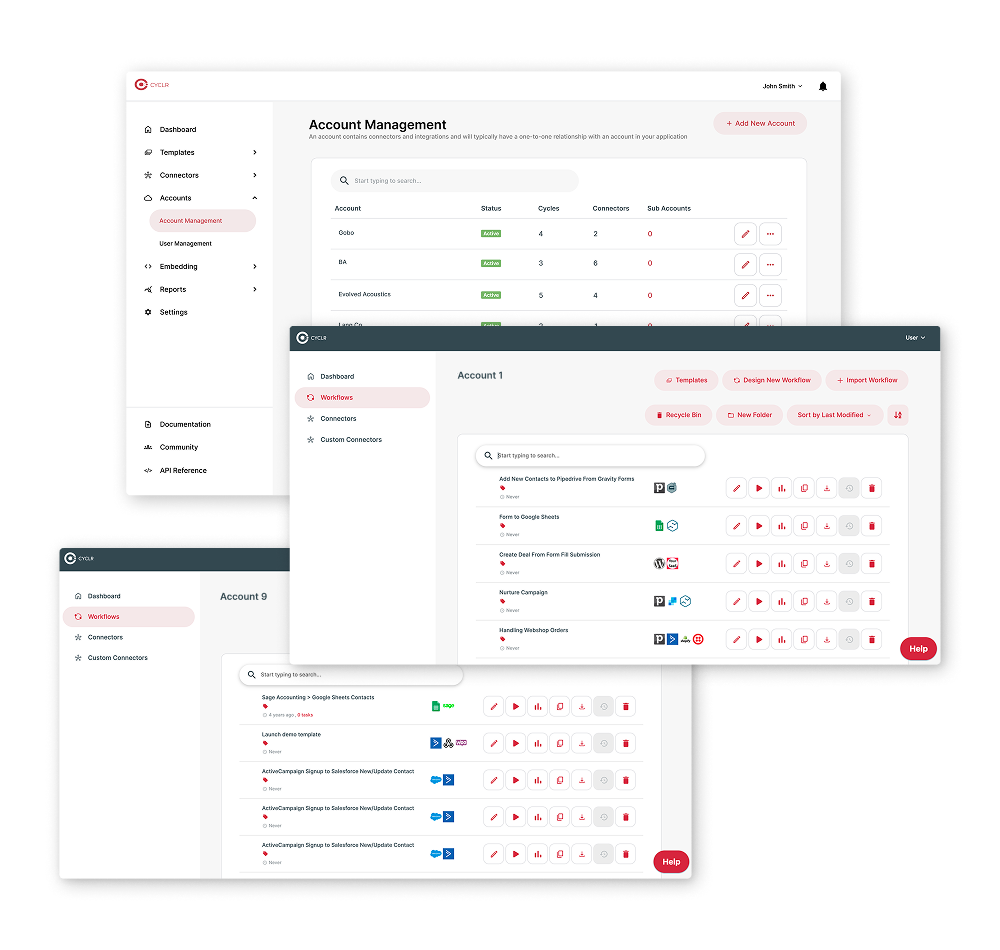
To ensure integrations, authentications and AI-enabled actions remain separate and secure, each of your users can operate within their own dedicated Account-level environment in Cyclr.
Your team controls what is available from the Console level: which Templates can be deployed, which Connectors can be used, which MCP tools can be exposed and which actions can be called. Your users then interact only with the capabilities assigned to their own Account.
This gives technical customers more flexibility while preserving governance. They can self-serve integration operations, run approved connector calls and use AI-enabled capabilities, while your team keeps control over access, security, deployment standards and account isolation.
Multi-Tenancy
Debug, Deploy and Govern Customer Integrations Faster
Cyclr’s Console-level CLI use cases are designed for SaaS teams that need to manage integration suites across many customers.
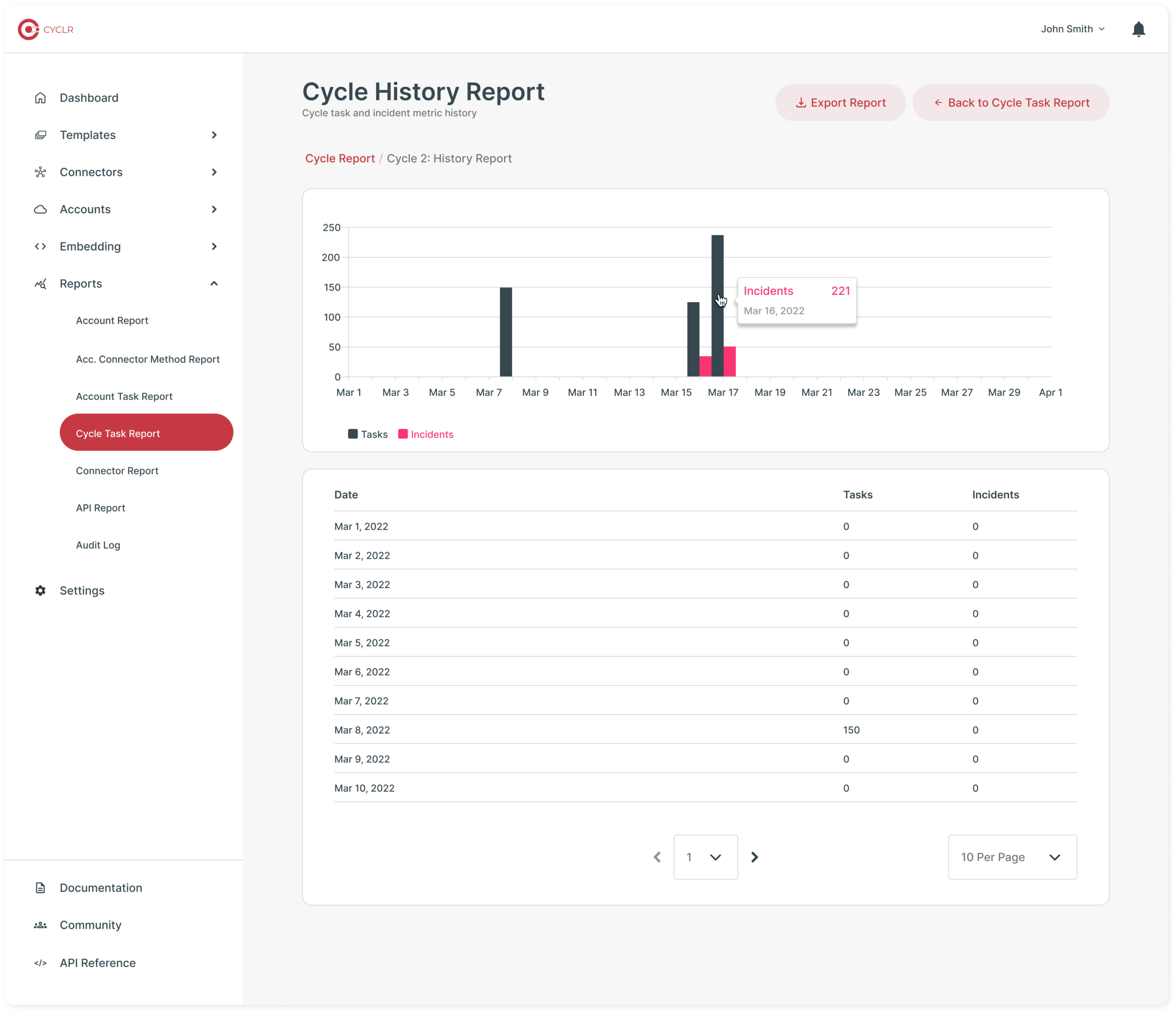
Your team can provision customer Accounts, install approved Templates, diagnose failed Cycles, check connector authentication, review transaction errors, manage MCP Server Templates and audit task usage without manually navigating every customer environment.
This helps turn common integration operations into reusable processes for support, customer success, implementation and solutions teams. It also creates a stronger governance model, with customer environments managed consistently through Account boundaries, approved Templates, controlled connector access and auditable workflows.