Integration Delivery
Choose how to deliver integrations natively within your application
Integration Delivery – how your customers interact with integrations.
Cyclr offer a variety of ways that a SaaS company can display the Cyclr application and let users ‘turn on’ or activate the integrations. You can choose to use some simple, brandable, components that we have already built or you can completely design your own ‘skin’.
Our flexible platform allows you to deploy native integration in any of four ways.
Try for Free
How can I Deploy my Integrations?
Cyclr’s flexible deployment methodologies provides you with several options to fulfil your customers’ integration needs. You can use as many of these presentation options as you need; for example you could provide your users with self-serve integrations from within your SaaS application, and at the same time provide service-led custom integrations to discrete clients.
Marketplace | Service Led Deployment | API | MCP-triggered Workflows | CLI Integration Delivery | |
|---|---|---|---|---|---|
UI/UX | Configurable UI | Cyclr UI/UX | 100% Customisable | AI Agent / MCP Server | Command Line / Developer Tooling |
Development Effort | Launch in Day(s) | None | Launch in Week(s) | Hours | Hours |
API Calls Required | 1 | 0 | 10+ | 0-1 | 1+ |
Screens Required For Development | 0 | 0 | 6+ | 0 | 0 |
Integration Packages | No | No | |||
Multi-Level Categories | No | No | No | ||
Action Links | No | No | No | ||
Compatibility | Web/Mobile | Web/Mobile | Web/Mobile/IoT | AI Agents / LLMs / Web / SaaS Apps | CLI / API / SaaS Apps / AI Tools |
| Learn More | Learn More | Learn More | Learn More | Learn More |
Service Led Deployment
Add an extra layer of customer service for your users through offering custom integrations.
Integrations can be completely fresh and unique, or you can adapt existing integration templates from your library. All of this is completely invisible to your end-user.
Service Led Integration Deployment

Embedded Marketplace
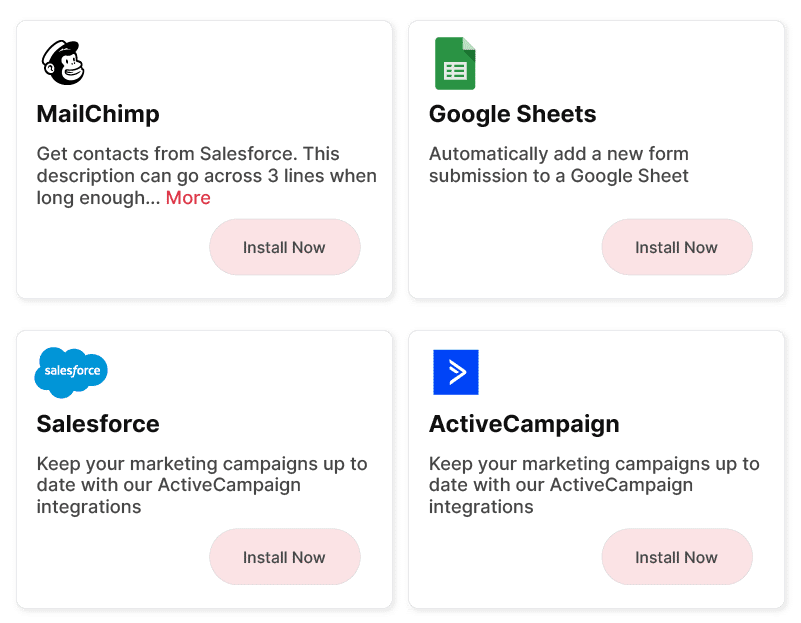
Create and deploy a fully functioning client facing embedded integration marketplace inside your SaaS application in no time.
The Cyclr Embedded Marketplace allows you to customize styling to fit within your application. Quick to set-up, adapt and extend. Read more by clicking the link below.
Embedded Integration Marketplace
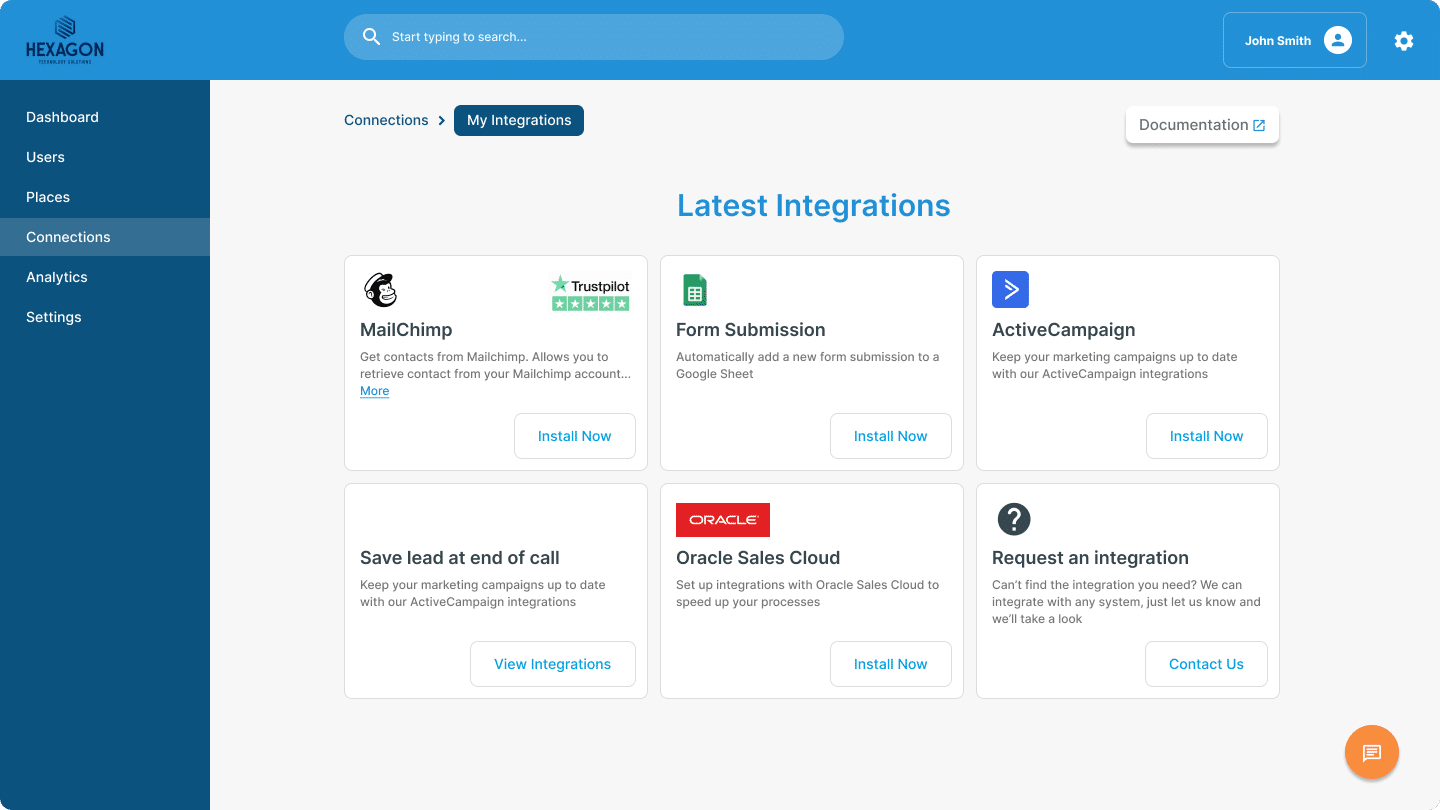
Your own UI/UX
Connect Cyclr to your own UI/UX using our own API. You have complete freedom with where and how you want to deploy native integrations to your users.
This flexibility allows you to take the integration experience to high levels of customization.
Custom Integration UI
MCP-triggered Workflows
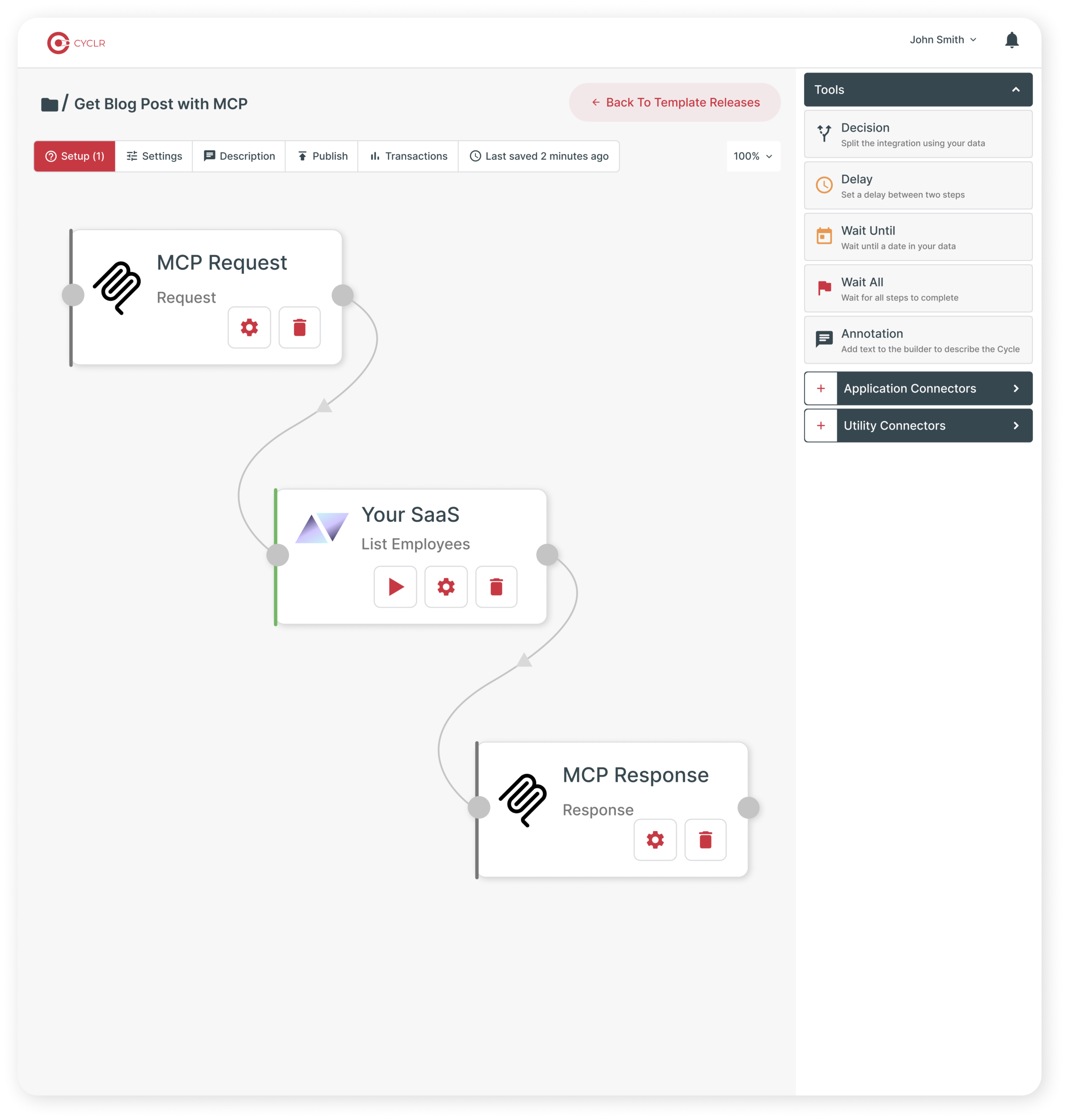
Deliver AI-agent-ready workflows through MCP, allowing LLMs and agents to call complete integration processes rather than individual API actions.
MCP-triggered Workflows let you define the data an agent should provide, run a governed Cyclr workflow using your chosen Connectors, tools, utilities and scripts, then control exactly what data is returned to the LLM.
Use them to reduce data exposure, minimize token usage, trigger downstream processes and deliver secure agent capabilities directly from your SaaS application.
MCP-triggered Workflows
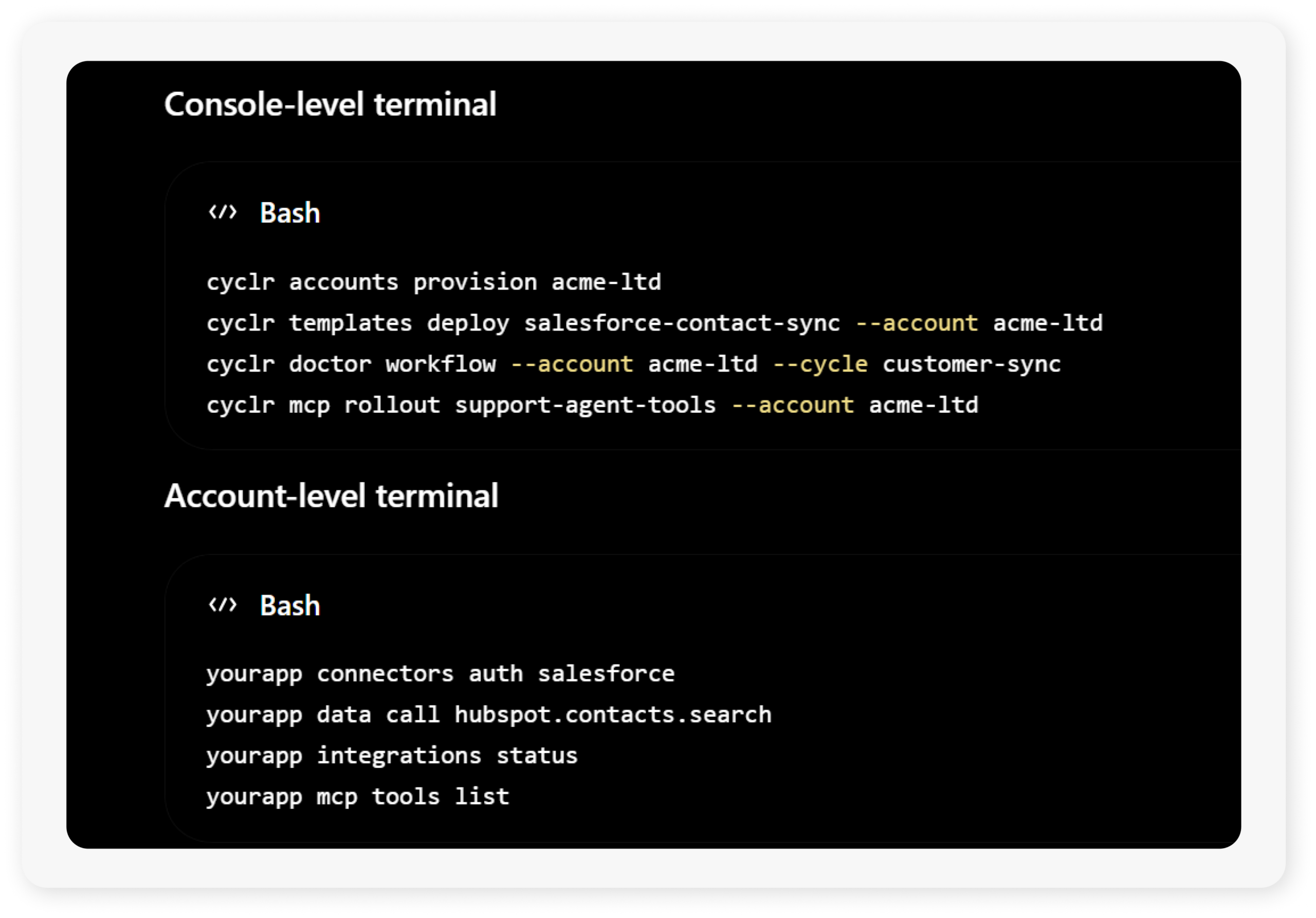
CLI Integration Delivery
Give technical users a command-line way to manage, inspect and automate the integration capabilities available inside your SaaS platform.
Cyclr’s CLI delivery model lets your team expose approved Account-level integration actions through your own product experience, so users can authenticate connectors, check integration status, trigger workflows, call approved connector methods and interact with AI-ready tools from the command line.
Use CLI Integration Delivery to support developers, RevOps teams, IT admins and enterprise customers who need a programmable way to work with integrations beyond a standard embedded UI.
CLI Integration Delivery