Updated: | Originally published: | By Hayley Brown
What is API integration?
API (application programming interface) integration is the process of connecting two or more systems via their APIs. This is so they can share and exchange data, as well as perform actions through defined endpoints. An API acts as a bridge; one system sends a request to another systems API, this processes the request and returns the relevant data or performs the required action.
This communication typically happens over the web using protocols such as HTTP and data formats like JSON or XML. The result is automated data flow between applications without manual intervention.
Understanding API Integration
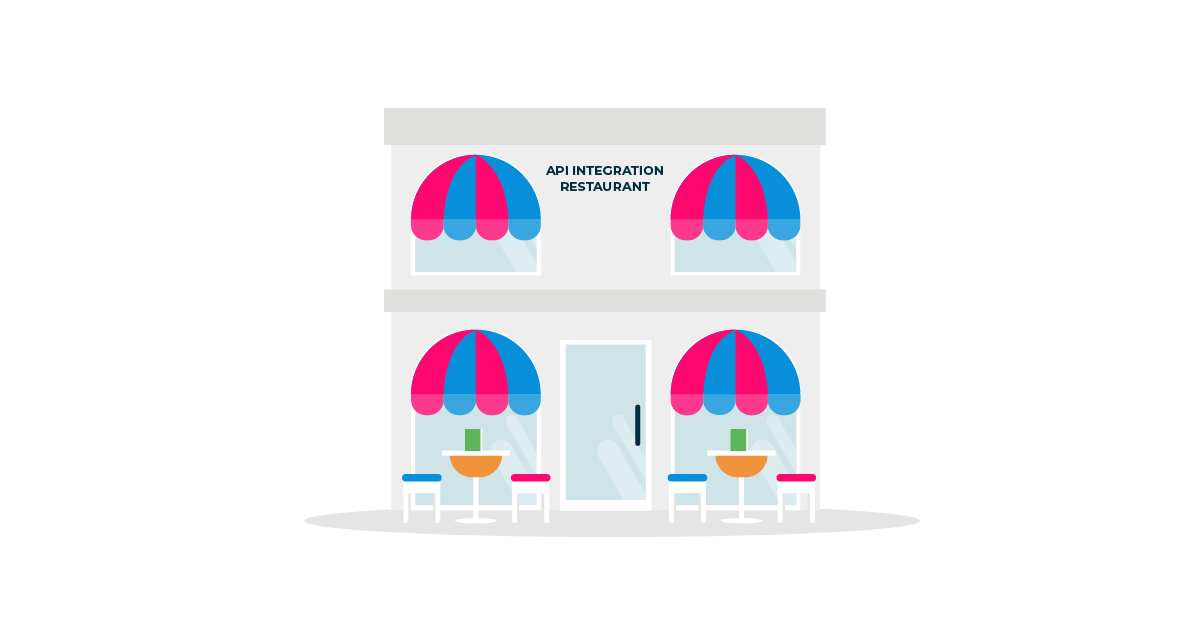
Another way to understand the role of API integration, connecting two or more systems via their APIs, is perhaps with a restaurant analogy.
You (app/client) go to a restaurant to enjoy a meal. First, you look at the menu and then place your order (request) with the waiter (the API). The order request is delivered to the kitchen (server/database) for preparation. Once ready it is given back to the waiter (the API) and delivered to you at your table (app/client).
The API integration would therefore connect two systems and one API would request data from the other. The API would send a packet of data to the other API or desired location. This is just one of many ways API integration can be utilised by a SaaS.
What do you need to integrate APIs?
To integrate APIs effectively, you typically need a few key components:
- API documentation that explains endpoints, parameters, authentication, and response formats.
- Authentication credentials, such as API keys, OAuth tokens, or certificates.
- A development environment or integration platform where the connection logic is built.
- Data mapping and transformation rules to ensure information moves correctly between systems.
- Monitoring and error handling to manage failures and maintain reliability.
Building your own API
You’ll also need your own API for your SaaS, when building you’ll need to fulfil the following to understand what you want to achieve with the API:
- What is the problem the API will fix at a high level?
- Who is the audience?
- How can the audience’s needs be incorporated into an API?
- What are the API’s expectations in regards to performance, response time and data protection?
- What needs to be addressed in regard to API security?
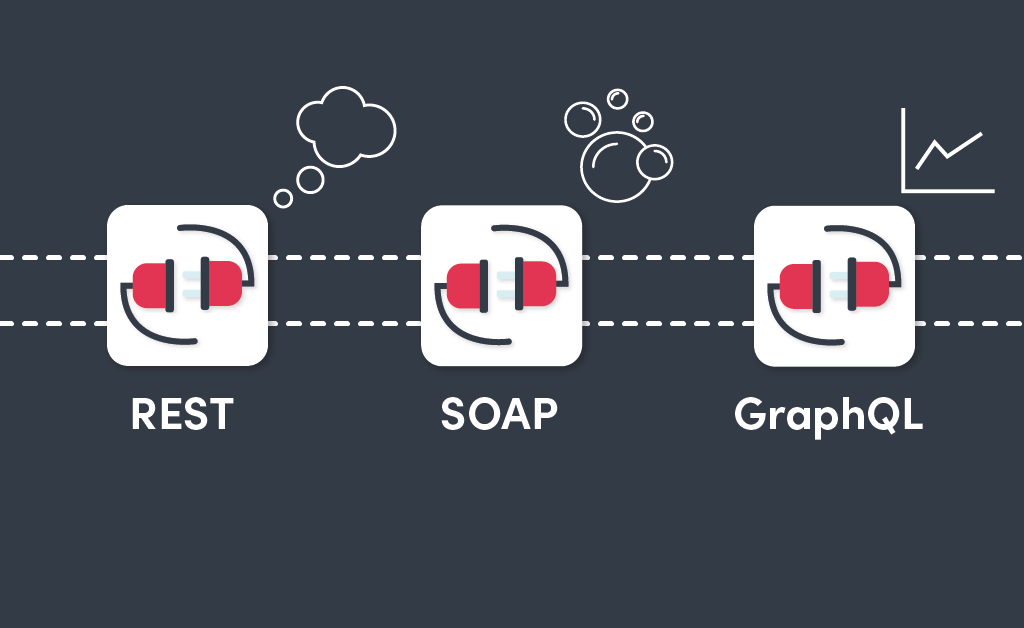
Next, you’ll need to choose an API architectural style. We have previously these discussed in Know Your API Types: Rest, Soap and GraphQL. This will lead to the design phase of the API to determine how it will look, as well as processes to make the API easy to understand for users.

TOP TIP: Make sure to create a useful API name and description as it is beneficial to users!
That’s a start, isn’t it? But if you’d like to know more about developing your own API we’ve gone into the nitty gritty of it all with our very own developers, in the post How to develop an API – Best Practices to Follow.
Finally, the thing with an API is that how you build it should have a lot to do with how other applications are going to interact with it. The feature sets that you build out should be heavily influenced by making your API ‘play nicely’ with the applications with which it is going to be connected. To meet user requirements and, moreover, to be integration-friendly.
Not only can you develop your own API if you so wish, but it can also be achieved with API integration tools.

Real-World API Integration Example
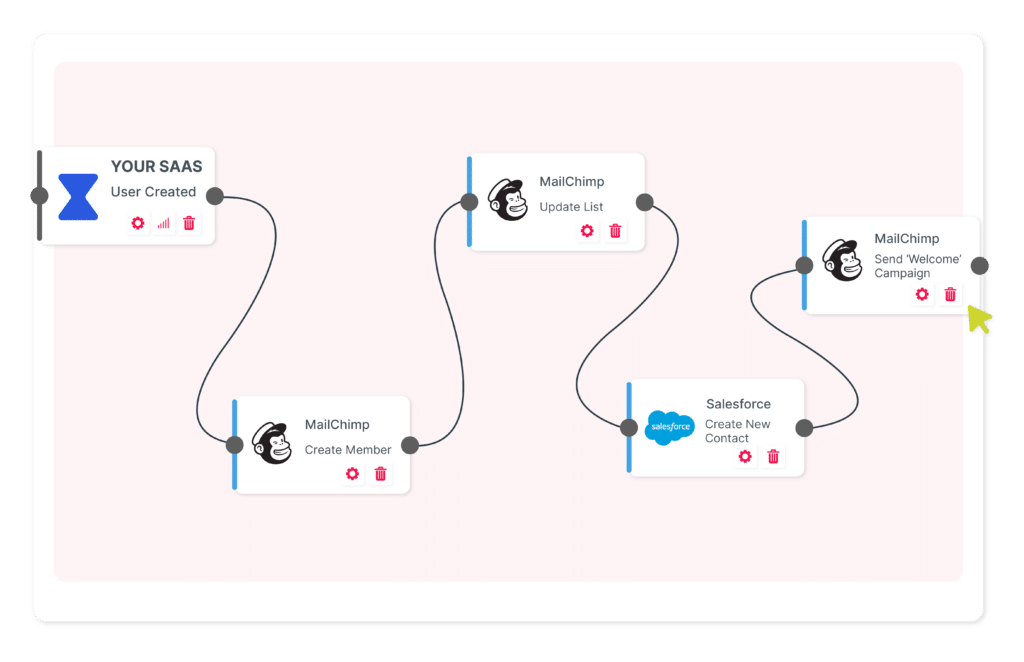
One common use for API integration is by SaaS applications who utilise APIs and integration as a way to expand the product’s native functionality. For example, a SaaS product in the CRM space has received a customer integration request to share data between their CRM and a marketing tool. The customer needs an API integration so new contacts added to the CRM are automatically added to their marketing email lists. Rather than manually input the data.
APIs and API integration are essential aspects of the modern computing world. They have become the yarn that makes the digital world knit together as it were. API data is easily and speedily exchanged, allowing for modern innovation and daily conveniences. These conveniences include moving money between bank accounts, sharing video moments on social media, checking this week’s weather or managing your at-home appliances.
APIs allow businesses to adapt and develop products and services in the face of severe disruption. This could not be more apparent than in the previous few years. As a result, more and more organisations have focused development efforts around APIs.
Therefore, APIs and API integration have quickly become critical ways to build automated workflows. To either automate internal business processes or expand SaaS product functionality.
What are API Integration Tools?
API integration tools are platforms or frameworks that help developers connect applications and automate data exchange without building everything from scratch. These tools often provide prebuilt connectors, visual workflows, and orchestration features that simplify integration.
Examples include middleware platforms, integration platforms as a service (iPaaS), and embedded integration solutions. By managing authentication, data transformation, and error handling, these tools reduce development time and make integrations easier to scale and maintain.
How does API integration benefit your SaaS?
Utilising API integration for your SaaS will help your customers remove manual processes. As a result, they will save time, their data will be synchronised and achieved in a standardised way.
API integration benefits in a snapshot:
- Remove manual processes
- Save time
- Customer retention
- Data synchronisation
- Standardisation
In summary, APIs and API integration are important, especially to a SaaS because building integrations to different applications removes time-consuming manual labour, whilst seamlessly transferring data in a standardised manner. As a result, fulfilling customer requests, improving experience and reducing customer churn.
If you’d like to learn more about expanding your SaaS with native integrations with an API integration tool, sign up for a demo. We’d love to show you around.